



















How to Upscale and Convert Your Photos for High-Res Results
Want to give your old images a high-res makeover? Learn how to upscale and convert photos using the right methods to avoid blurriness and pixelation.

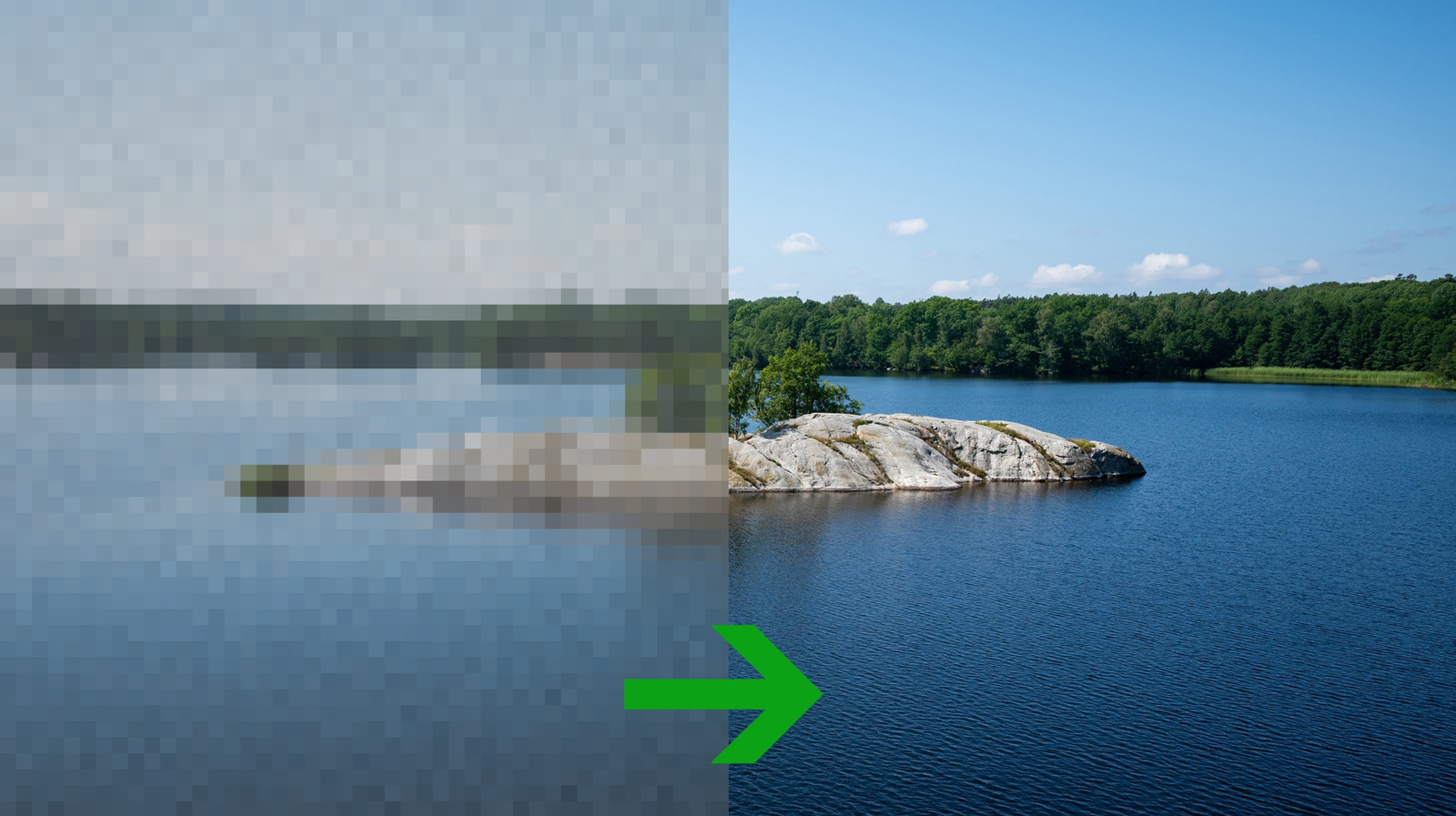
Digital creators and photography enthusiasts worldwide are transforming low-quality images into high-definition masterpieces this month as a diverse array of upscaling techniques gains widespread traction. While basic resizing tools are readily available on standard operating systems, achieving crisp, professional results requires a strategic approach tailored to the specific image type. This surge in image enhancement solutions addresses a growing demand for high-fidelity visuals across social media, digital archives, and professional design portfolios.
At its core, traditional upscaling relies on mathematical algorithms that insert new pixels into an existing grid by calculating the average values of the surrounding pixels. The primary difference among these methods lies in how many neighboring pixels the software analyzes and the specific mathematical weight assigned to each one. Consequently, standard resizing does not actually generate new visual information; instead, it stretches the existing data, which can often result in blurry or distorted outputs if executed incorrectly.
Historically, users choose from a few foundational algorithms depending on their specific graphic needs. Nearest-neighbor upscaling simply duplicates the closest pixel, making it highly effective for preserving the sharp, blocky edges of retro pixel art and geometric diagrams, though it creates jagged lines in standard photographs. Bilinear upscaling averages four surrounding pixels to soften harsh edges, which benefits low-resolution portraits but sacrifices fine details. For a superior balance, bicubic upscaling evaluates sixteen adjacent pixels to deliver sharper results with smoother gradients, serving as the industry standard for general photography.
Industry experts point to artificial intelligence as the most disruptive development in modern image reconstruction. Unlike traditional algorithms that merely blend existing pixels, AI-driven upscalers utilize predictive models trained on millions of high-resolution reference images. These neural networks analyze the low-resolution input and generate entirely new details, essentially imagining what a high-quality version of the photo should look like. This predictive approach allows software to reconstruct intricate textures, such as hair and fabric, with astonishing realism that traditional math cannot replicate.
The practical impact of these technological advancements extends far beyond simple aesthetics. For historians and families, these tools offer a reliable way to preserve deteriorating physical photographs by converting them into clear digital formats. In the commercial sector, graphic designers and marketers can now repurpose low-resolution legacy assets for large-scale print campaigns without undergoing expensive reshoots. Selecting the appropriate upscaling method directly influences the integrity of the final product, saving valuable time and computational resources.
Looking ahead, the boundary between low and high-resolution media will continue to blur as upscaling software becomes more intuitive and accessible. Future iterations of operating systems and mobile devices will likely integrate real-time AI upscaling directly into camera hardware and web browsers. As these machine learning models become more efficient, users can expect instantaneous, flawless image enhancement to become a standard feature of everyday digital communication.
Originally reported by Engadget
What's Your Reaction?
 Like
0
Like
0
 Dislike
0
Dislike
0
 Love
0
Love
0
 Funny
0
Funny
0
 Angry
0
Angry
0
 Sad
0
Sad
0
 Wow
0
Wow
0