













HiLight Studio App Makes Pixel 11 LED Feature Actually Useful
Google's Pixel 11 HiLight LED is limited, but the new HiLight Studio app lets you fully customize notification colors, patterns, and brightness levels.


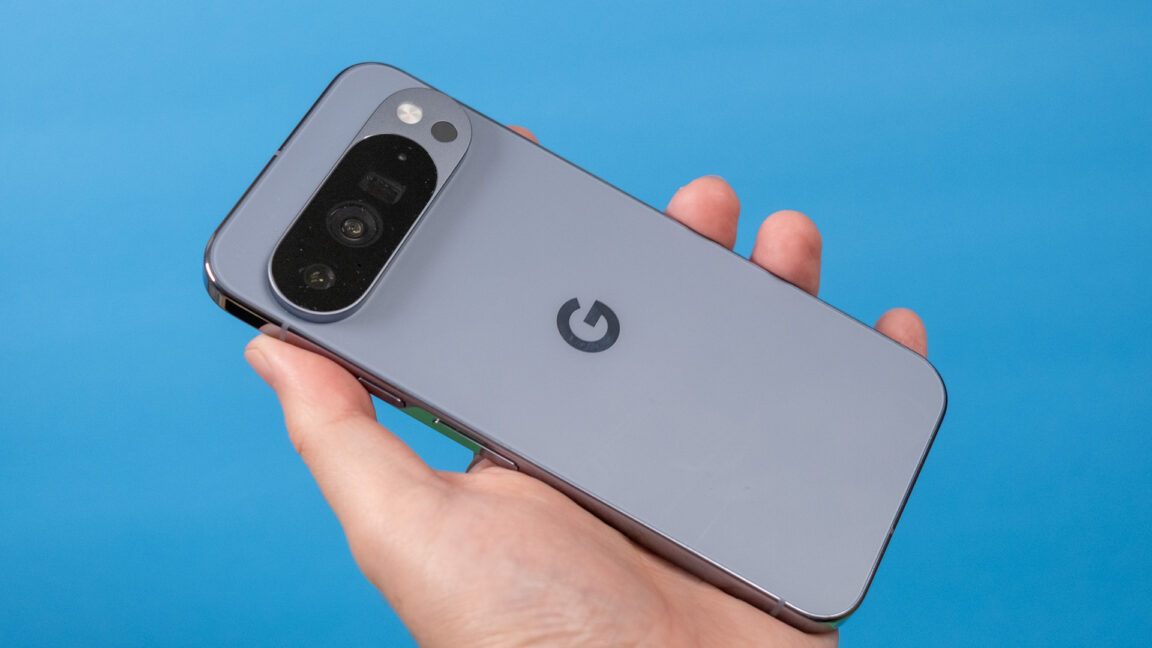
Independent software developers are bypassing Google's restrictive software limits on the new Pixel 11 Pro smartphone by releasing a custom application that unlocks the device's "HiLight" notification LED. This new tool, called HiLight Studio, transforms a highly restricted hardware feature into a fully customizable notification system just days after the flagship phone's market debut. By taking control of the rear-mounted light array, the third-party software restores a level of personalization that Android enthusiasts have demanded for years.
Out of the box, Google limits the HiLight LED to only two specific scenarios: when the phone sits face down during Gemini AI interactions, or when a designated favorite contact calls. Furthermore, the official settings restrict users to just five pre-selected colors. In contrast, HiLight Studio enables users to program the light array for any application notification, such as flashing a rainbow pattern for specific Slack keywords or creating a spinning green wave for incoming text messages. The utility provides granular control over brightness, saturation, pulse intensity, and cycle timing, offering an infinite color slider alongside eight quick-select presets.
Notification LEDs were once a staple of the Android ecosystem, allowing users to identify incoming alerts at a glance without turning on their screens. As manufacturers shifted toward edge-to-edge displays and thin bezels, these dedicated hardware lights vanished, replaced by power-hungry always-on displays. Google's introduction of the HiLight LED on the Pixel 11 Pro represents a modern attempt to revive this beloved classic feature, yet the company's decision to lock the hardware behind rigid software barriers immediately drew criticism from early adopters who expected open customization.
Mobile software modification communities frequently step in to bridge the gap between hardware potential and official software limitations. The creation of HiLight Studio demonstrates how quickly the developer community can reverse-engineer proprietary hardware interfaces to deliver user-requested features. To facilitate community collaboration, the app includes import and export functions, allowing users to share their custom lighting profiles and patterns with others. Because the utility is not yet available on the official Google Play Store, interested users must currently download the installation files from GitHub and sideload the necessary packages onto their devices.
This development highlights a persistent philosophical divide between major tech manufacturers and their power users. While Google designs features with simplified, curated experiences in mind to appeal to the mass market, enthusiast users continue to value the open-source flexibility that originally defined the Android platform. By successfully unlocking the Pixel 11 Pro's light array, independent developers prove that modern smartphone hardware remains highly capable of deep customization when freed from corporate software constraints. This workaround effectively restores the utility of the notification light, making the physical hardware far more valuable to daily users.
Looking ahead, the success of third-party tools like HiLight Studio may force Google to reconsider its restrictive approach to hardware features in future Android updates. If community adoption of these sideloaded tools remains high, the tech giant might eventually integrate similar deep customization options directly into the official Pixel software suite. For now, the ongoing cat-and-mouse game between official developers and the open-source community ensures that Android devices remain a playground for personalization, promising even more innovative uses for the HiLight LED as the platform matures.
Originally reported by The Verge
What's Your Reaction?
 Like
0
Like
0
 Dislike
0
Dislike
0
 Love
0
Love
0
 Funny
0
Funny
0
 Angry
0
Angry
0
 Sad
0
Sad
0
 Wow
0
Wow
0